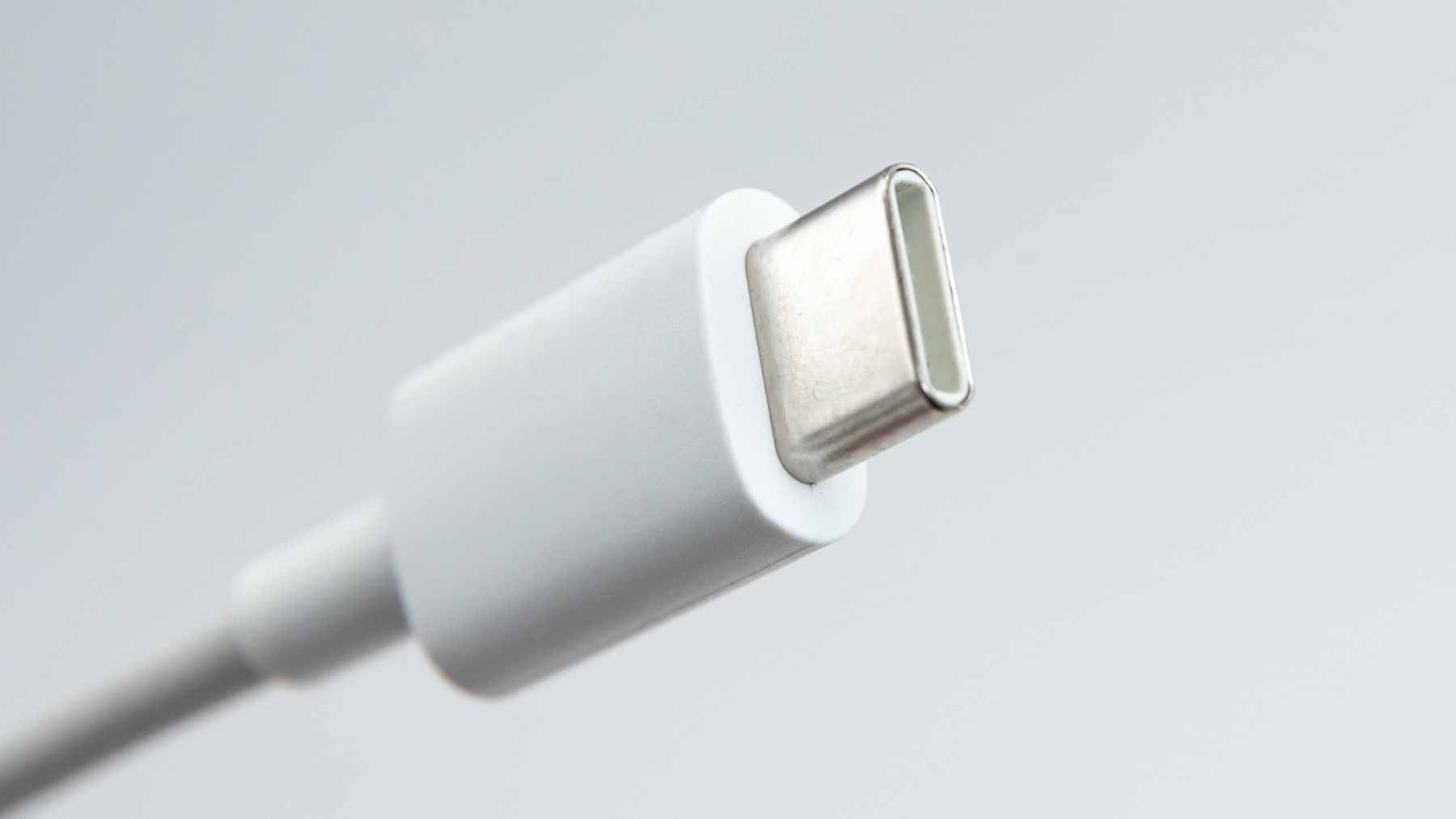
USB-C was supposed to make tech simpler. One cable, one port, no more flipping the connector three times before it finally fits. But there is a strange little problem many users have noticed. Turn the cable over, plug it back in, and suddenly file transfers speed up or charging becomes steadier.
That miniscule detail matters more than it seems. The European Union’s “common charger” push made USB-C the required charging port for many new devices sold in the bloc, partly to reduce clutter and electronic waste. But this greener agenda only works if the cable in the drawer is actually up to the task.
A simple plug with hidden complexity
USB-IF describes USB Type-C as a slim connector with reversible plug orientation and support for scalable power and performance. In plain English, it was built to be easy to use now and strong enough for faster devices later.
Inside, though, the connector is not simple at all. A USB-C plug has a tightly packed set of contacts that handle power, regular USB traffic, high-speed data lanes, and the communication needed to decide how much power a device can safely draw.
That is a lot of work for something most people toss into a backpack without thinking twice.
Why flipping it can change speed
So why would the direction of a reversible cable matter? For the most part, it should not. A properly made cable and port should detect the orientation and route signals correctly.
The trouble starts when a cable is limited, poorly built, worn out, or not wired for the higher speeds a user expects. Basic charging or slower data transfer may still work, but the faster lanes used for SuperSpeed connections can be more sensitive to cable design and contact quality.
That is why a phone, laptop, or external drive can appear fine one moment and strangely slow the next.
In practical terms, that means a large video file may crawl across to a drive when it should move quickly. The user may blame the computer. Sometimes, the quiet culprit is the cable.
Charging works differently
Charging speed is not controlled in exactly the same way as data speed. Fast charging depends on a negotiation between the charger and the device, usually through the USB-C communication pins that help decide power levels before higher charging begins.
If charging changes just because the plug was flipped, that is a warning sign. It can point to a weak cable, damaged contacts, dirt in the port, or a product that was never designed to meet the performance users assume from the USB-C shape. The connector may look modern, but looks can be deceiving.
That is where everyday frustration begins. You plug in before bed, expect a full battery by morning, and wake up to a device that has barely charged. Annoying? Yes. However, also a clue.
The environmental catch
The EU says discarded and unused chargers account for about 11,000 metric tons of e-waste each year, which is roughly 24.3 million pounds. The Commission also estimates that separating chargers from device sales could reduce production and disposal of new chargers by 980 metric tons, or about 2.16 million pounds, every year.
That is the bigger picture. USB-C is not just about convenience. It is also about stopping millions of people from buying duplicate chargers and tossing old accessories into drawers, trash bins, or recycling boxes.
But if consumers keep replacing cables because performance is confusing, that cancels out to a certain extent the greener ideal . The mess simply moves from the charger drawer to the scrap-heap mound.
Labels are not just marketing
USB-IF says not all cables have the same capabilities, and its cable certification program is meant to help users identify products that meet the right quality standards for a given USB environment. That matters because one USB-C cable may be fine for a small accessory, while another is needed for high-power charging or fast data.
The group also says USB-C to USB-C cables in its compliance program must carry 60W or 240W power markings. Except for USB 2.0-only cables, they must also show the data rate they support.
That is the part shoppers should notice. A cable that only says “USB-C” is telling you the shape of the plug, not necessarily its real ability.
What companies should look out for
For device makers and retailers, this is a business issue as much as a tech issue. If customers buy a new tablet, camera, game console, or laptop and the included or recommended cable performs badly, the whole product feels worse.
The same applies in workplaces, repair shops, field operations, and defense settings where reliable power and data transfer are not just nice to have. A cable that works only in one orientation can waste time, trigger support calls, and create unnecessary replacements.
At the end of the day, the USB-C standard is the compass. The cable industry still has to follow it clearly enough that ordinary buyers do not need to become engineers.
A small test before replacing gear
Before tossing a device or buying another charger, try a few simple checks. Flip the cable, test a certified cable with clear power and data markings, inspect the port for lint, and see whether the problem follows the cable or stays with the device.
If one orientation works and the other does not, do not ignore it. That cable may still charge a small gadget, but it should not be trusted for fast charging, important transfers, or expensive hardware.
The official specification was published on USB-IF.