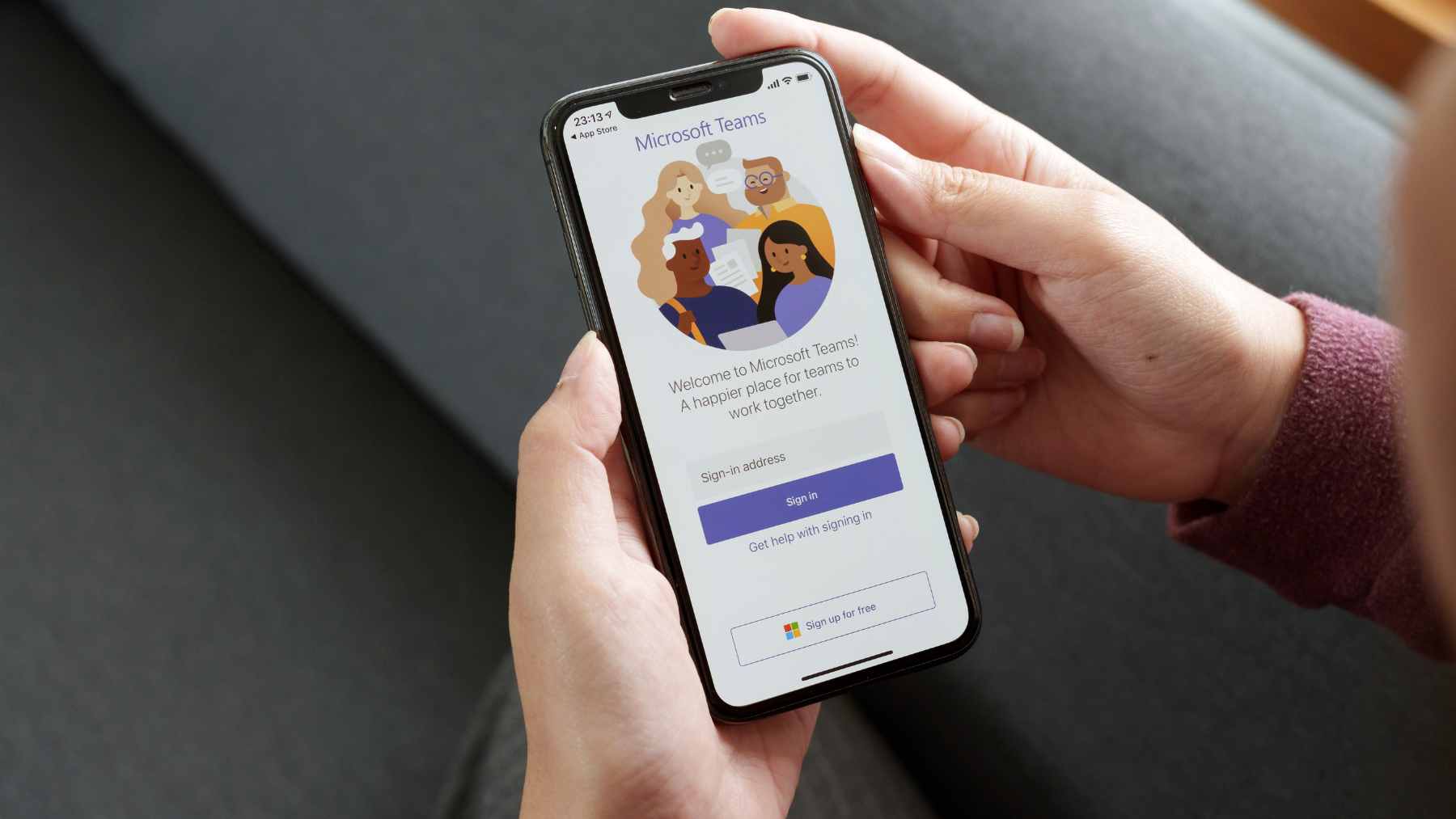
Microsoft has rolled out a workplace check-in feature for Teams and Microsoft Places that can automatically update whether a worker is in the office when their laptop connects to a configured corporate Wi‑Fi network. On paper, it sounds simple.
In real life, it lands right in the middle of a tense debate over remote work, return-to-office mandates, privacy, and the environmental cost of commuting.
The feature is not a spy movie gadget. It does not use a hidden camera or track someone down the hallway. By turning workplace presence into a live Microsoft 365 signal, it gives companies a new way to make office attendance more visible at a time when many workers still see hybrid schedules as a practical way to save time, money, and emissions.
What the feature does
Microsoft calls the tool “workplace check-in via Wi‑Fi.” When it is enabled, Teams can update a user’s actual work location when the desktop app detects a connection to an approved workplace wireless network. If the organization has mapped buildings in Microsoft Places, the signal can work at the building level.
There is another route, too. Microsoft says workplace check-in can also be triggered by a desk peripheral, such as a monitor, when that device has been configured by an administrator. That means a laptop docking at a recognized desk or joining the office Wi‑Fi can change the worker’s location status without a manual check-in.
That may help coworkers know who is actually available for a face-to-face conversation. It may also make employees wonder who else is looking–that tension is the story.
Microsoft says it is not tracking
Microsoft’s documentation is careful about the privacy language. The company says workplace check-in is off by default, must be enabled by an administrator, and is designed for collaboration rather than attendance monitoring. It also says the actual location is cleared at the end of working hours and that administrators do not get historical location reports through this feature.
Users are supposed to have control as well. Microsoft says employees can choose whether to share their work location with coworkers, and that the information stays inside the organization and is not visible to Microsoft.
For Wi‑Fi based updates, Teams also requires operating system location permission and gives users opt-in or opt-out controls depending on how the company configures the rollout.
Still, the fine print matters. In “Inform mode,” a user’s location can be shared unless they opt out, while in “Ask mode,” sharing does not begin unless the user opts in. That difference may sound small in an IT settings panel, but for employees it can feel like the difference between being asked and being watched.

The office return problem
Why does this matter now? Because the fight over where people work has not gone away. Many companies want more predictable office attendance, while many employees argue that remote and hybrid work have already proved they can get the job done.
The research is more nuanced than either side often admits. A 2024 Nature study of 1,612 employees at a Chinese technology company found that hybrid work improved job satisfaction and cut quit rates by one-third, while showing no damage to performance reviews, promotions, or coding output over the following period.
That does not mean every job should be remote, of course. Some work depends on labs, hardware, secure rooms, warehouses, customers, or classified systems. But for many office roles, the evidence suggests the real question is not simply “are people sitting in the building?” It is whether the work model actually fits the job.
The climate angle
Here is where the Microsoft feature becomes more than a workplace privacy story. Every return-to-office policy also changes commuting patterns, building energy use, and daily carbon emissions. A status dot in Teams may look tiny, but the decisions behind it can put thousands of cars back on the road.
Transportation is already one of the largest climate problems in the United States. The EPA says transportation accounts for about 28% of total U.S. greenhouse gas emissions, making it the largest direct contributor, with passenger cars, light-duty trucks, and heavier trucks making up the biggest sources inside the sector.
Remote work is not automatically green in every case. The International Energy Agency found that working from home usually reduces a car commuter’s carbon footprint when the one-way trip is longer than 3.7 miles, but short drives or public-transit commutes can be offset by extra home energy use. That is the catch many slogans miss.

Hybrid work can cut emissions
A separate PNAS study, coauthored by researchers from Cornell and Microsoft, found that in the United States, switching from onsite work to working from home can reduce up to 58% of a job’s carbon footprint. The same research found that the biggest factors were not video calls or laptops, but commuting, office energy, home energy, and non-commute travel.
The study also offered a useful reality check. One remote day a week may not do much because the savings can be canceled out by other trips or building energy that does not fall just because a few desks are empty. Two to four work-from-home days, on the other hand, can make a more meaningful dent when paired with smarter office space and cleaner commuting choices.
That is why presence software should not become a blunt instrument. If a company uses tools like workplace check-in only to enforce desk time, it may miss a bigger opportunity. The greener path is to match office days with real collaboration, reduce underused space, and avoid making employees commute just to sit on video calls.
What workers should watch
For employees, the first thing to check is not the rumor mill. It is the Teams privacy settings, the organization’s location-sharing policy, and any internal notice explaining whether workplace check-in is in Ask mode, Inform mode, or off.
For employers, the lesson is just as plain. A workplace presence tool can help teams coordinate, but it can also damage trust if rolled out quietly or framed as proof that people are “really working.” At the end of the day, a better office strategy should explain why people are coming in, not just confirm that they did.
The official statement was published on Microsoft Tech Community.